How It Works
How V.E.R.A. verification works.
Verification starts with identity, then moves through the business information and credentials submitted for review.
Identity
Upload a government-issued ID.
Verification begins with a driver’s license or another accepted government-issued identity document.
The document is used to establish the identity baseline for the verification record.
Identity Baseline
Key identity information is extracted.
Relevant information from the identity document is extracted and organized for the verification record.
Business Information
Add the business being verified.
The applicant provides the business information that should be connected to the verification record.
Business name
Business registration information
Business address or service location when applicable
Other identifying business information required for review
Credentials
Upload the credentials you want verified.
Additional documents can be submitted based on the business and services being offered.
Comparison
Submitted information is compared.
Information from later documents is compared against the identity and business baseline already established in the verification record.
Review
Unclear or mismatched items are reviewed.
Automated document analysis can organize information and flag possible matches or discrepancies, but uncertain items are sent for additional review.
Information is consistent.
Additional review is required.
Submitted information does not match.
Trust Profile
Approved information is published.
Once reviewed and approved, the verified items are displayed on the business’s public V.E.R.A. Trust Profile.
Badge
The badge points to the live record.
A V.E.R.A. badge can link directly to the business’s Trust Profile. Anyone viewing the badge can open the profile to check the current status.
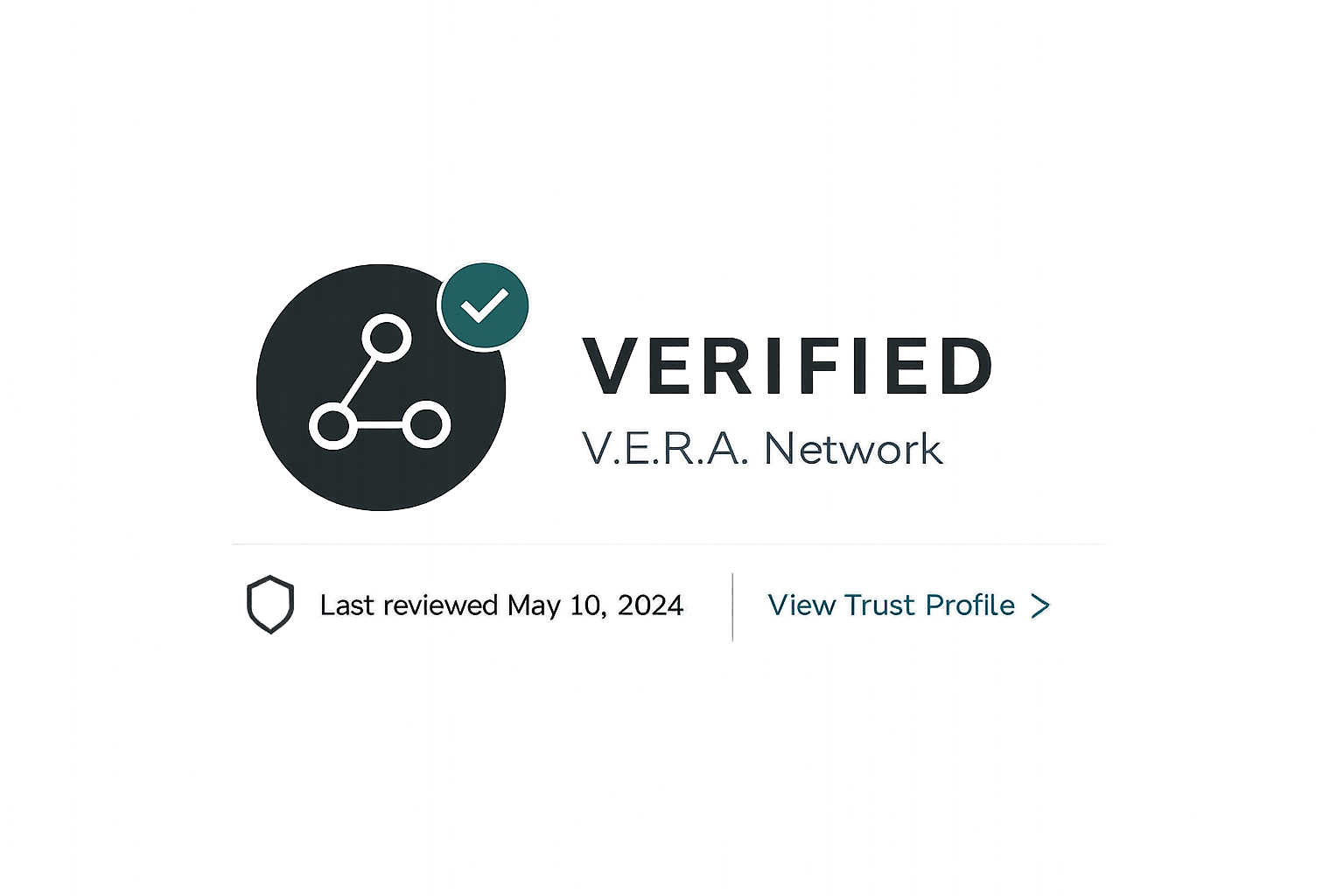
The Trust Profile remains the source of truth for the current status.
Ongoing Status
Expiration and renewal information stays attached to the record.
Credentials with expiration dates can be updated as they approach renewal or expire.
Start a verification.
Begin with the identity step, then add the business information and credentials you want reviewed.
V.E.R.A. verifies specific information and credentials. Verification does not guarantee workmanship, character, safety, or service outcomes.