Verified Profiles
What a V.E.R.A. Trust Profile shows.
A Trust Profile is the public record for a business’s current V.E.R.A. verification status and the credentials that were reviewed.
Purpose
One place to see what was verified.
The Trust Profile is the live source of verification information. It shows the business, its V.E.R.A. Verification ID, current status, and the individual credentials V.E.R.A. reviewed.
If a credential expires, changes, or is no longer verified, the Trust Profile can reflect that updated status.
Example Services LLC
VERA-7K4M-82QF
Public Information
The profile shows the result, not the private documents.
Uploaded identity documents and other sensitive records are not published on the Trust Profile.
The public profile displays the verification result and the credential information appropriate for public viewing.
Profile Contents
What can appear on a Trust Profile.
Business Name
The business name associated with the verification record.
Verification ID
The unique V.E.R.A. identifier assigned to the verification.
Current Status
The current overall verification status.
Verified Credentials
The licenses, insurance, bonds, certifications, and other items reviewed.
Dates
Review, renewal, and expiration information when applicable.
Status Changes
Updated status when a credential expires, changes, or requires review.
Privacy
What is not shown publicly.
Government ID images remain private.
Sensitive personal identification numbers are not published.
Personal identity information is not displayed publicly.
Uploaded records remain separate from the public Trust Profile.
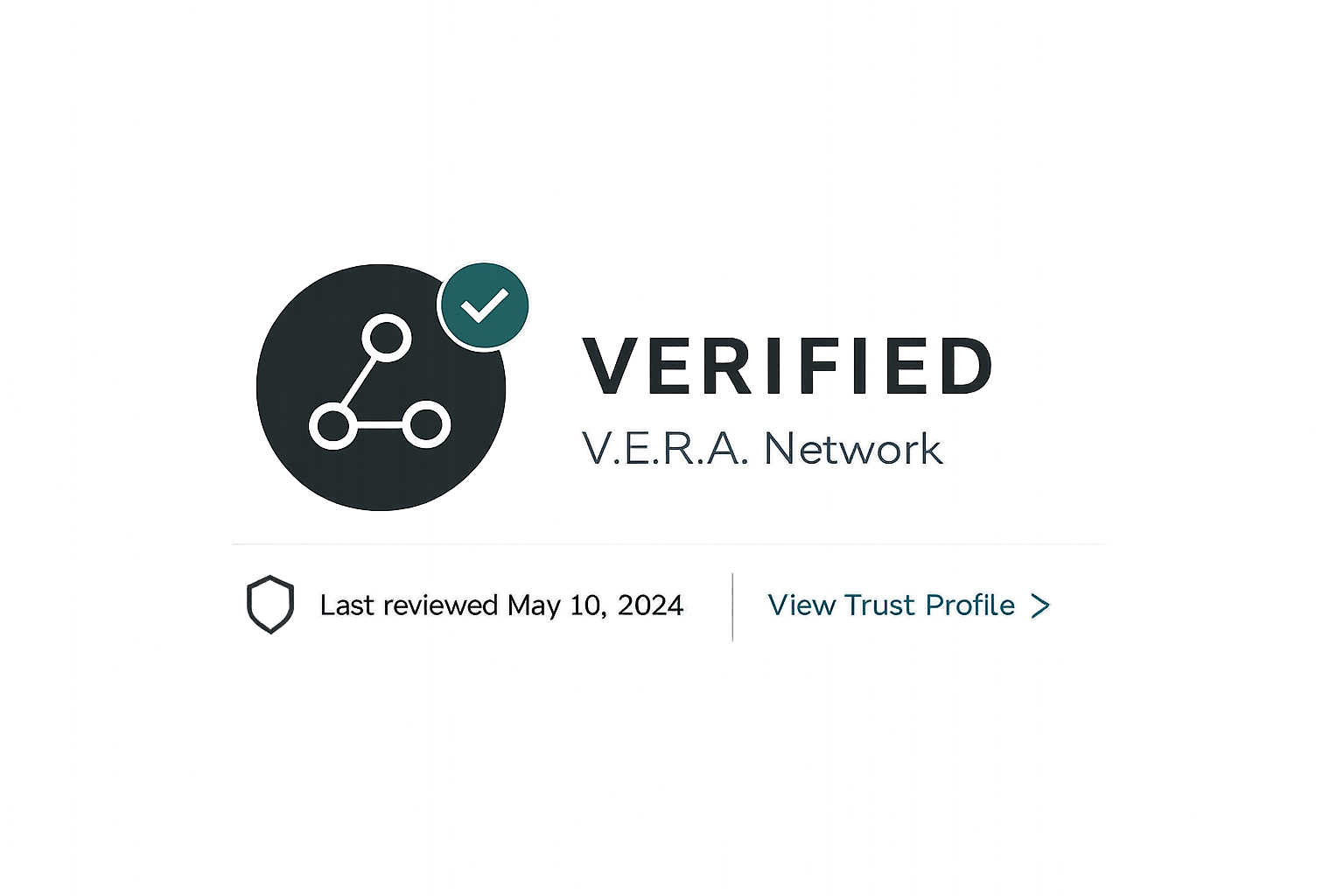
Verification Badge
The badge should lead back to the live profile.
Businesses can display a V.E.R.A. badge on their website, digital materials, or other approved locations.
The badge should link to the business’s Trust Profile so the viewer can check the current verification status.
Optional Tools
Businesses can choose how they share their profile.
Add the V.E.R.A. badge to a business website.
Share the Trust Profile URL directly with customers.
Account holders may later have access to additional badge styles or customization options.
A QR code linking to the Trust Profile can be generated if the business chooses to use one.
Profile Management
An account is optional.
Verified business
- Public Trust Profile
- V.E.R.A. Verification ID
- Standard verification status
- Standard badge access
Managed verification
- Manage business information
- Upload updated credentials
- Manage renewals
- Access badge settings
- Optional customization features
- Connect with HumbleLead Connect
Status
The profile can change over time.
Verified
The listed verification is active.
Renewal Due
A verified credential is approaching renewal.
Expired
A required verification or credential is no longer current.
Pending Review
Submitted information is still under review.
Find a Trust Profile.
Search by business name or V.E.R.A. Verification ID.
V.E.R.A. verifies specific information and credentials. Verification does not guarantee workmanship, character, safety, or service outcomes.